
Introducing uLaw Bot: Your New AI-Powered Guide Inside uLawPractice

From Finding Answers to Getting Guided Solutions
Every legal professional knows the feeling: you need to complete a task quickly, you search for the right tutorial, find the video, and start watching… but then comes the next question:
“What do I do now?”
Tutorial videos are valuable resources, but sometimes finding information is only the first step. When you are actively working inside your practice management software, you need more than just instructions — you need guidance that helps you complete the task confidently and efficiently.
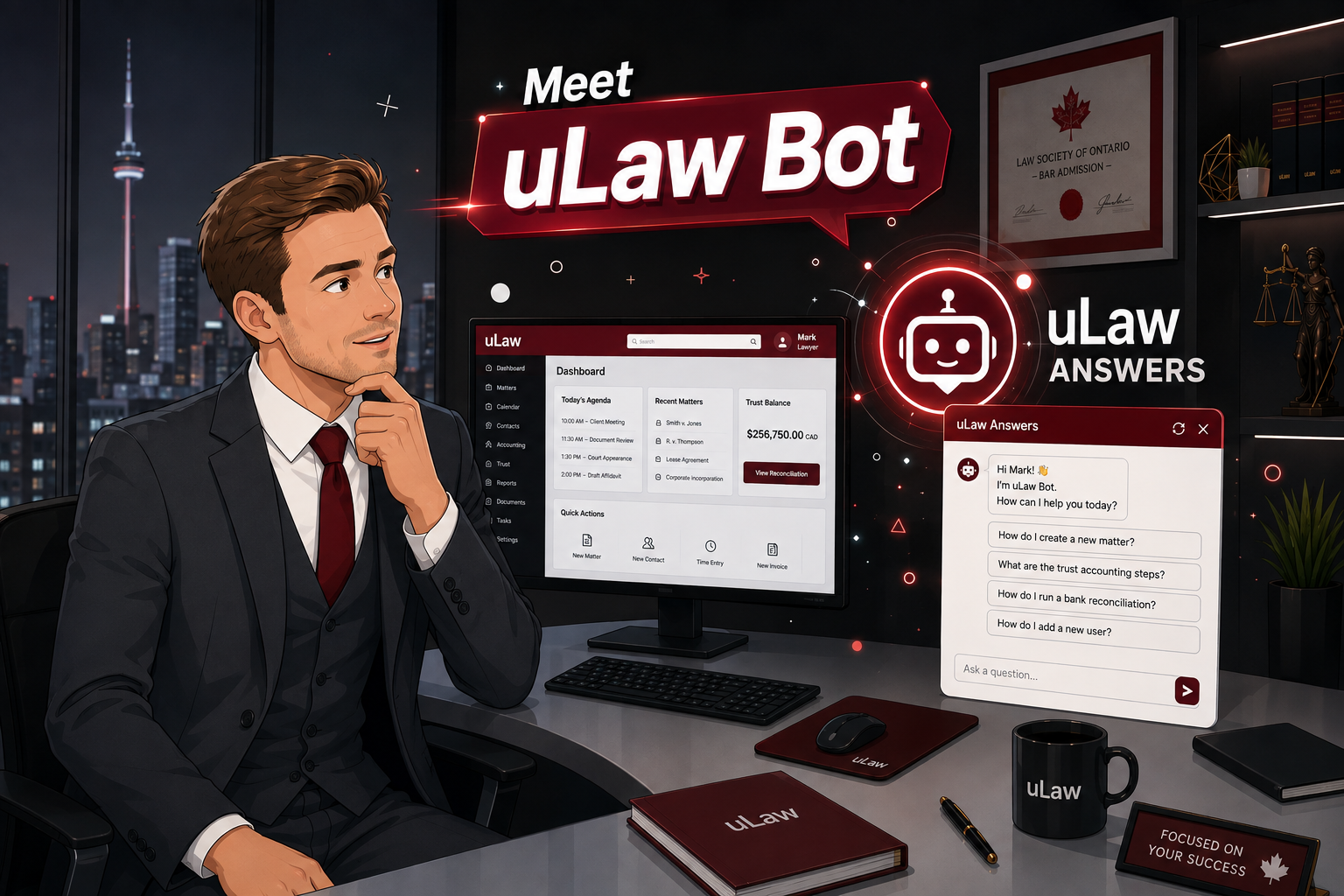
That is why we created uLaw Bot — an AI-powered assistant designed to help uLawPractice users move from searching for answers to completing tasks with step-by-step guidance.
uLaw Answers vs. uLaw Bot: What’s the Difference?
Both tools are designed to make learning and using uLawPractice easier, but they serve different purposes.
uLaw Answers: Find the Right Information
uLaw Answers helps users quickly discover helpful tutorial videos and resources. Whether you are learning a new feature or looking for information about a specific workflow, uLaw Answers helps you find the right content faster.
It answers questions like:
- “Where can I find this feature?”
- “Is there a tutorial available for this process?”
- “How does this workflow work?”
Think of uLaw Answers as your knowledge library — helping you locate the information you need.
uLaw Bot: Your Step-by-Step Task Assistant
While a tutorial can show you how something works, uLaw Bot takes the next step by guiding you while you complete the task.
Instead of only providing a video link, uLaw Bot understands your question and provides actionable guidance directly within your workflow.
For example, if you ask:
“How do I delete an invoice?”
uLaw Bot can guide you through the process:
- Enable Admin Mode
- Open the Matter
- Select the Invoice
- Delete the Invoice
- Confirm the Action
Each step is designed to help you complete the task with confidence — without switching between multiple resources or wondering what comes next.
More Than Answers — Practical Guidance When You Need It
Legal professionals manage busy practices where time matters. Searching through documentation, replaying tutorial videos, or trying to remember every step of a process can slow down productivity.
uLaw Bot helps reduce that friction by providing:
Step-by-Step Instructions
Get clear guidance for completing tasks inside uLawPractice, making complex workflows easier to follow.
Natural Conversations
Ask questions the way you would ask a colleague. uLaw Bot is designed to understand your needs and provide relevant assistance.
Follow-Up Support
Your questions often lead to more questions. uLaw Bot helps you continue exploring solutions by suggesting related actions and workflows.
For example, after learning how to delete an invoice, you may also receive guidance on:
- Enabling Admin Mode
- Resolving invoice-related issues
- Using the Pre-Bill feature
Built to Make Legal Practice Management Simpler
At uLaw, our goal has always been to help legal professionals spend less time managing software and more time focusing on their clients.
With the introduction of uLaw Bot, we are making uLawPractice more intuitive, accessible, and user-friendly.
Whether you are a new user learning the platform or an experienced user looking for faster ways to complete tasks, uLaw Bot provides the guidance you need — right when you need it.
Faster Learning. Smarter Workflows. Better Practice Management.
uLaw Answers helps you find the right tutorial.
uLaw Bot helps you understand exactly what to do.
Together, they make learning uLawPractice faster, smarter, and more intuitive.
Spend less time searching. Spend more time practising law.
Ready to experience a smarter way to manage your legal practice? Explore uLawPractice today.