
Make FinSight Your Own: Personalize Your Dashboard Theme

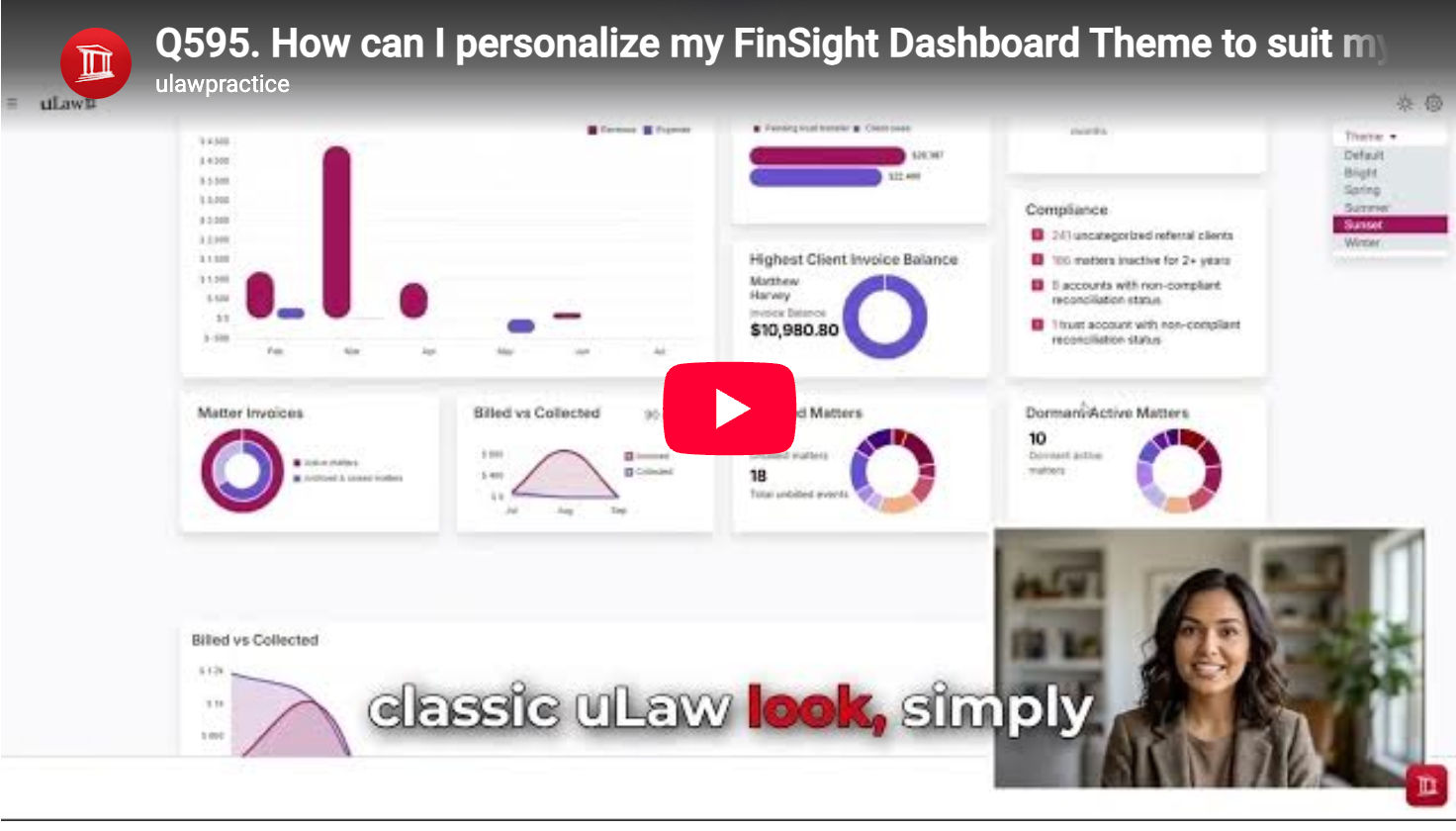
A dashboard should do more than display information—it should feel comfortable to use throughout the day. FinSight makes that possible by letting you personalize its appearance to match your preferences, working environment, or brand style.
Choose a Theme That Works for You
FinSight’s theme controls are located in the top-right corner of the dashboard. From there, you can quickly switch between several visual options, including:
- Light mode for a bright, clean workspace
- Dark mode for a more subdued viewing experience
- Multiple colour themes to suit your personal style
The change is simple, but it can make a meaningful difference—especially for professionals who spend much of their day reviewing financial and practice information.
Why Dashboard Personalization Matters
The right visual setting can make your workspace easier and more pleasant to navigate. A light theme may be ideal in a brightly lit office, while dark mode can feel more comfortable in lower-light environments. Colour options add another layer of personalization, allowing you to create a workspace that feels distinctly yours.
This flexibility also means that FinSight can adapt as your needs change. You might prefer one theme during the day and another when working in the evening. Instead of forcing every user into the same interface, the dashboard gives you control over how your information is presented.
How to Change Your FinSight Theme
Personalizing the dashboard takes only a few moments:
- Open your FinSight dashboard.
- Go to the theme control in the top-right corner.
- Review the available light, dark, and colour themes.
- Select your preferred option.
Your dashboard will immediately take on its new appearance, helping you create a more comfortable and personalized workspace.
A Small Change That Improves the Experience
FinSight’s theme options are a useful reminder that effective software is not only about functionality. It is also about giving users an environment in which they can work comfortably and confidently.
Whether you prefer a crisp light interface, the reduced brightness of dark mode, or a more colourful dashboard, FinSight lets you choose the experience that works best for you.
#uLaw #uLawPractice #FinSight #FinSightDashboard #CanadianLawyers #CanadianLawFirms #LegalProfessionals #LegalTechCanada #CanadianLegalTech #LawFirmTechnology #LegalTechnology #LegalPracticeManagement #LawFirmManagement #LegalInnovation #LawFirmSoftware #LegalSoftware #LawyersCanada #CanadaLaw #CanadianLegalIndustry #LawFirmSolutions #LegalTech #LawFirmEfficiency #LegalTechInnovation #OntarioLawyers #BCLawyers #AlbertaLawyers