
Scanning business cards and Government IDs with uLaw
You're face to face with someone and they hand you a business card. You smile, shake hands, and toss the card in your pocket, wedged in between your keys a loonie, and a few quarters. As you carry on with the rest of your day, that business card jangles around in your pocket all day, only to be absently left in a cup-holder of your vehicle.
Many people take photographs of business cards now, preferring the smartphone route. If this situation sounds like you, you're not alone! We've all been there before, and that's why uLawPractice's engineering team has recently created a new feature to make use of business cards in a smarter way.
Scanning Government ID's and Business Cards straight into uLaw
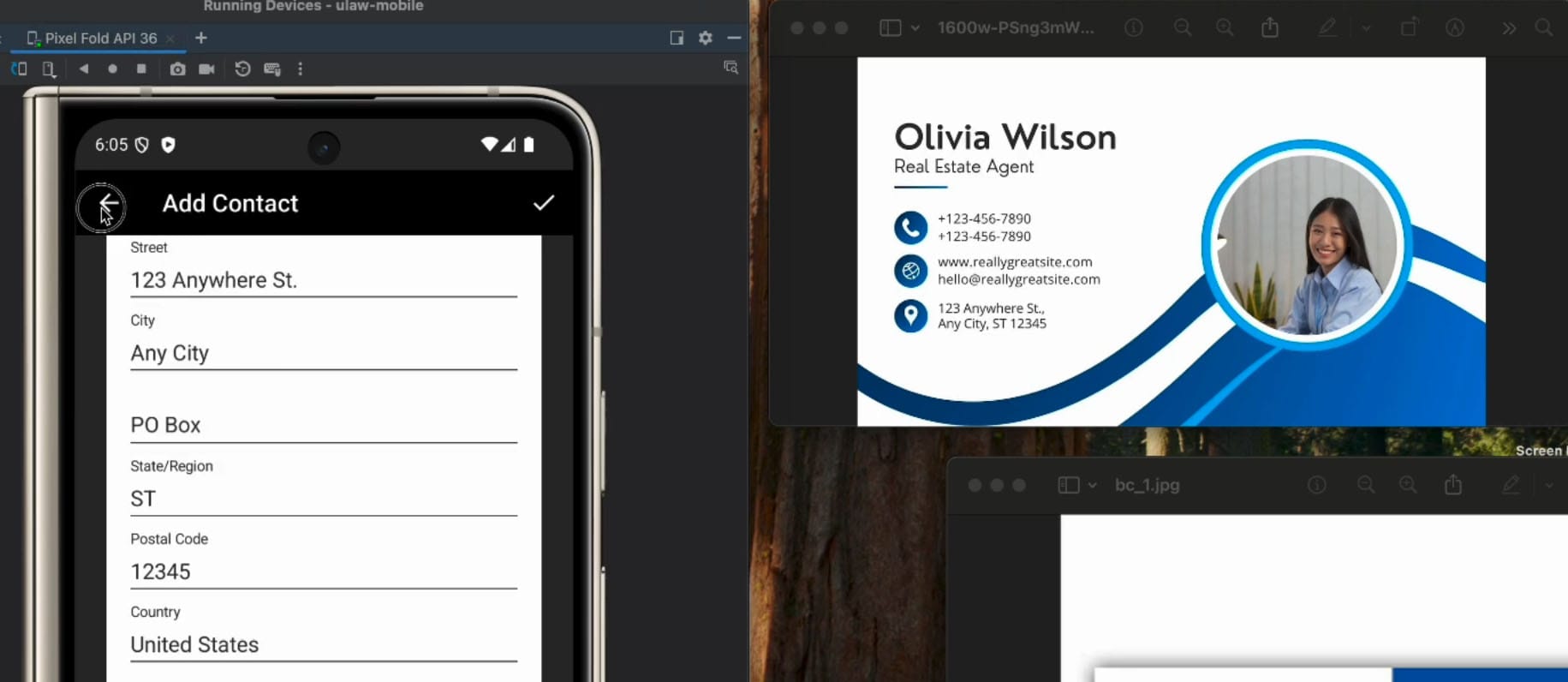
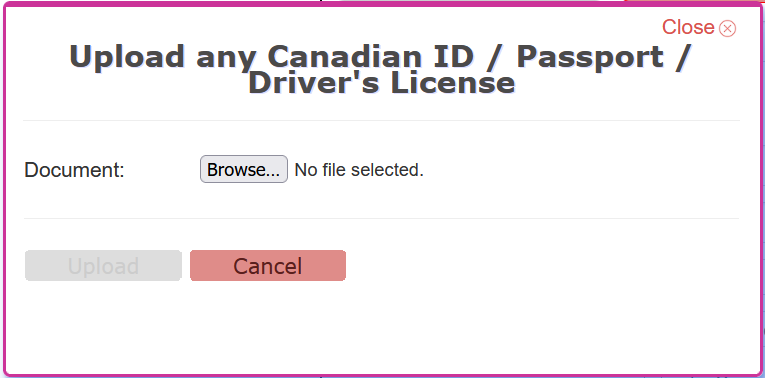
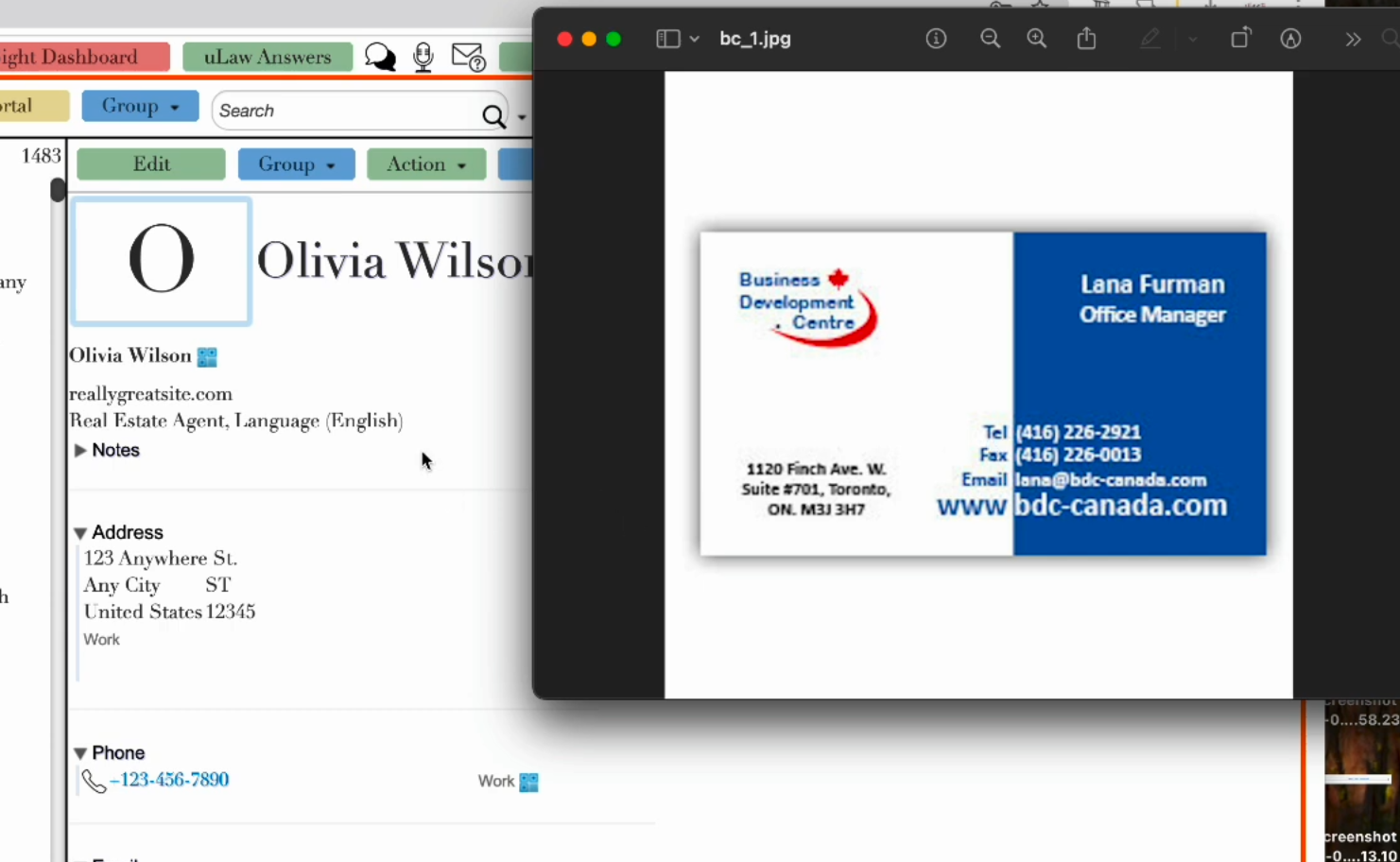
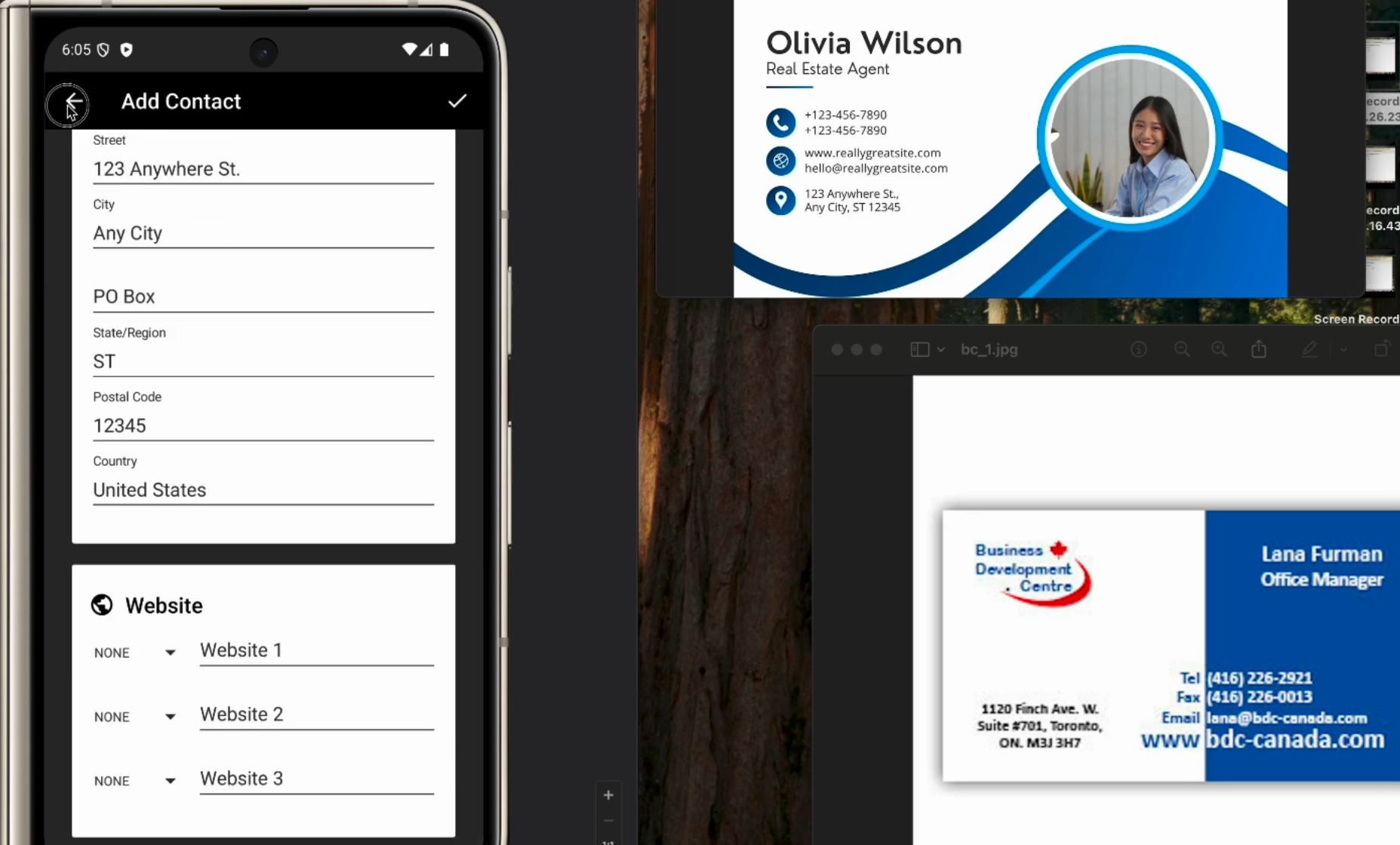
uLawPractice has recently implemented this new feature, making it possible to upload a driver's license or business card, so that built-in text detection features can automatically fill contact details without manually inputting fields into the software.
This is useful because the data can be repurposed repeatedly and shared among administrative staff or lawyers asynchronously. The best part is that it doesn't even require a user to type anything whatsoever.
In the case of a business card, which could contain numerous phone numbers (office, cell, etc), uLaw automatically populates the contact form with the data.
How to start scanning business cards, ID's, drivers licenses etc
- Log into uLaw like usual
- Contacts (Left-hand column) -> Add New Contact -> Click the ID scan icon (right-hand column)