
uLaw Practice Mobile App: Manage Your Legal Practice From Anywhere

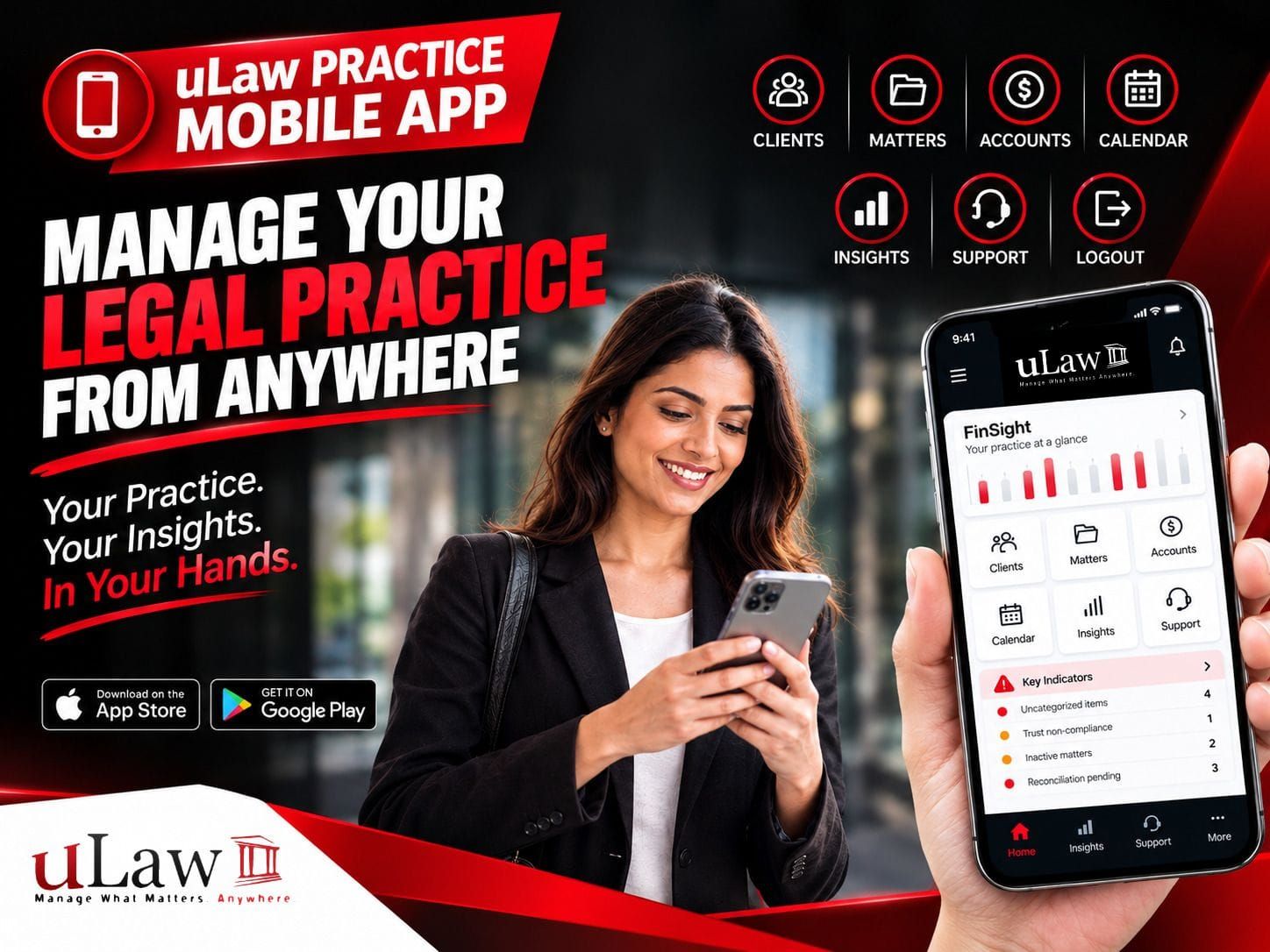
Your Legal Practice, Now in the Palm of Your Hand
Managing a legal practice doesn't always happen from behind a desk. Lawyers and legal professionals may need to check matters, review financial information, or monitor practice insights while away from their computer.
The uLaw Practice mobile app brings key practice-management information to your mobile device, giving you a convenient way to stay connected with your practice wherever you are.
Getting Started Is Simple
Download the uLaw Practice app from the App Store or Google Play and open the app.
You'll find three account options:
- APP – Your regular accounting account
- EDU – Your education account
- STG – A playground account where you can practice and explore the software without using your real account
After selecting your account, enter your credentials and log in. You can also choose whether to link biometric authentication and whether to save your password.
Your Practice Information at Your Fingertips
Once you're logged in, the mobile app gives you access to familiar areas of your practice.
From the menu, you can access:
Clients | Matters | Accounts | Calendar | Insights | Support | Logout
The experience is designed to bring the information you use on your computer into a mobile environment.
You can browse your client list, view matters, access accounts, check your calendar, and explore your practice insights directly from your phone.
FinSight: Practice Insights on Mobile
One of the key areas to explore is FinSight.
FinSight provides visual practice information through charts, summaries, and key metrics. Depending on the information available in the account, you can review areas such as:
- Revenue
- Expenses
- Work in Progress
- Taxes
- Client-matter insights
- Other practice metrics
The dashboard can also be customized with different themes, allowing you to personalize how your information is displayed.
Identify Areas That Need Attention
FinSight can also surface indicators that may require follow-up.
For example, a demonstration account may display indicators relating to:
- Uncategorized items
- Trust-related items
- Inactive matters
- Non-compliant reconciliation statuses
- Revenue and expense reviews
- Reconciliation history
In one demonstration account, the dashboard showed four accounts with a non-compliant reconciliation status and one trust account with a non-compliant reconciliation status.
The same demonstration also showed that the last reconciliation had been completed 1,872 days earlier, on July 31, 2021.
These indicators don't replace your professional or accounting review. Instead, they can help you quickly identify information that may deserve attention.
Work in Progress: Find Unbilled Amounts
Another useful area is Work in Progress (WIP).
Instead of searching through individual files to find financial information, you can move through client and matter insights and review information such as trust balances and unbilled amounts.
For example, in a demonstration account, the Harry Mendes traffic ticket matter showed:
Trust Balance: $6,000Unbilled Amount: $2,000
Opening the matter provided additional information, including an indication that the matter had been idle for more than six months and that a docket had remained un-invoiced for more than 30 days.
That creates a simple workflow:
Identify → Review → Take Action
If an amount is unbilled, you can go directly to the relevant matter, review the information, and take the appropriate next step, such as preparing an invoice.
Why Mobile Access Matters for Legal Professionals
A mobile legal practice management app isn't about replacing the full desktop experience. It's about making important practice information more accessible when you're away from your computer.
With the uLaw Practice mobile app, Canadian lawyers and legal professionals can keep an eye on matters, accounts, calendars, financial information, and practice insights from their mobile device.
Whether you're between meetings, working remotely, or simply away from your desk, having your practice information within reach can make it easier to stay connected and identify areas that need attention.
Stay Connected With Your Practice
Your practice doesn't stop when you leave your desk.
With uLaw Practice mobile, your practice information can travel with you.
Access. Review. Identify. Act. — Wherever you are.